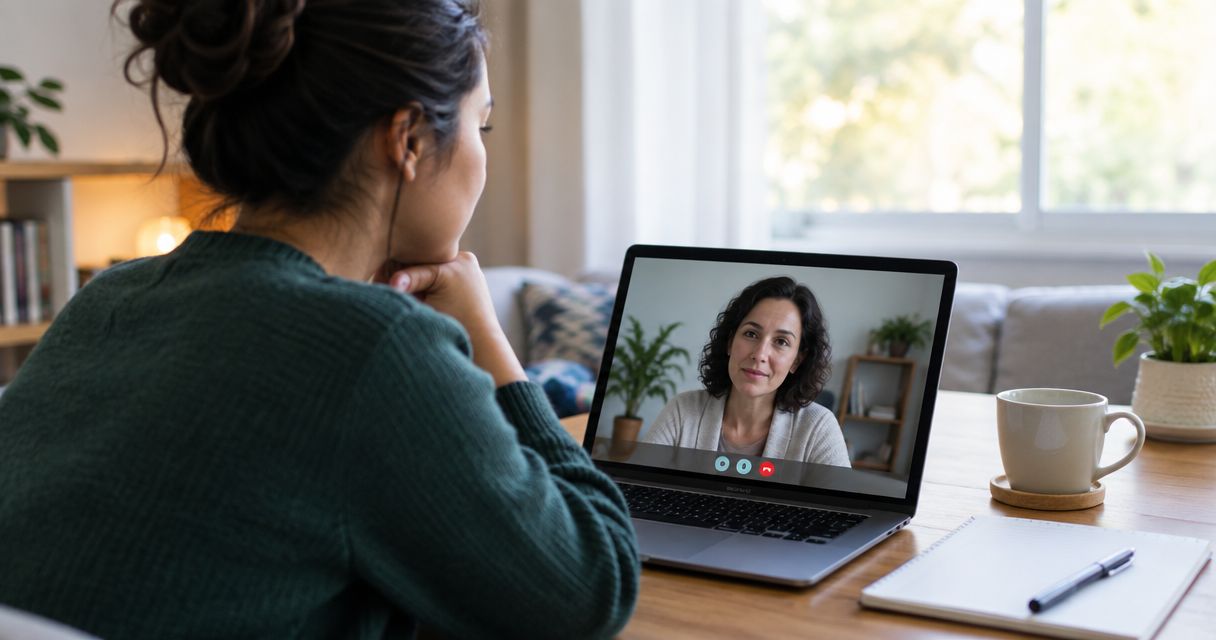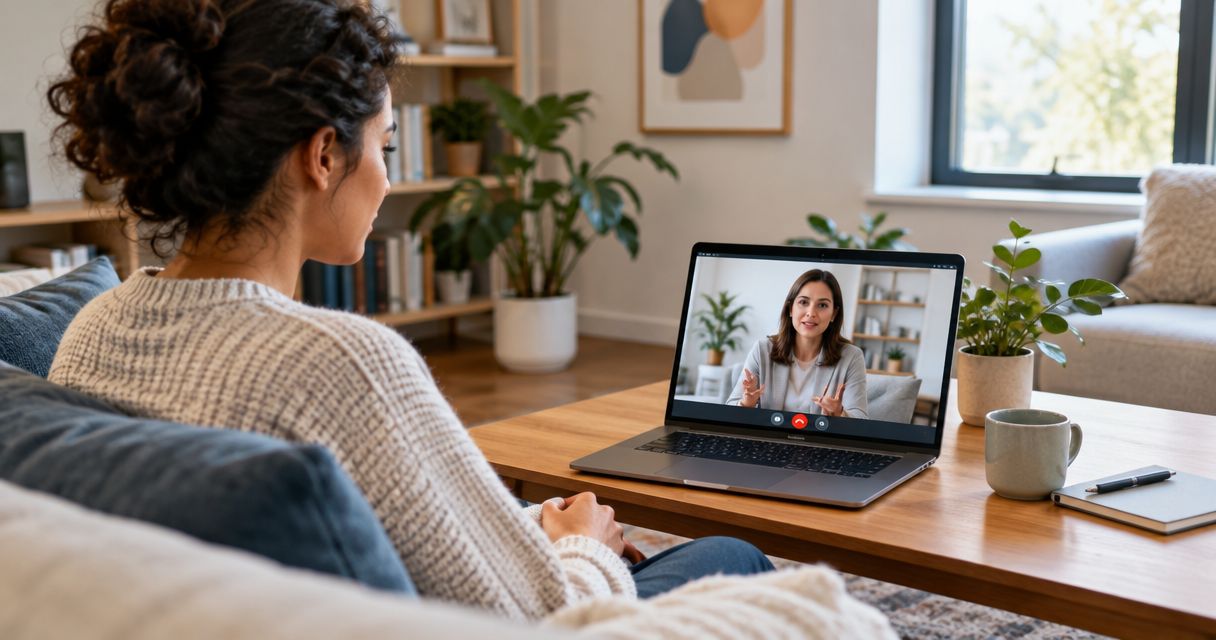
Instead of rewriting your concerns each time you switch formats, move from a chat therapy to video session by agreeing on the format, appointment details, and a short handover with your licensed therapist. This 2026 workflow also covers switching to voice when speaking feels easier than typing but a camera does not feel right.
- InnerSpark Africa connects people with licensed therapists for chat, voice, and video therapy across several African countries.
- For a chat therapy to video session transition, confirm the appointment and agree on what context to carry forward.
- Choose voice therapy when you want a spoken conversation without a camera; arrange a private space either way.
- Keep a short summary ready, and agree on a fallback before the live session starts.
Why this matters
Changing how you communicate should not require explaining everything again. A short handover gives your therapist a starting point while letting you decide what needs attention now. You do not have to read your entire chat history aloud.
InnerSpark Africa is best for people seeking online therapy with licensed therapists through chat, voice, or video in Uganda, Kenya, Tanzania, and other African countries. You can start with InnerSpark Africa to explore those therapy formats.
The goal is not to move everyone onto video. It is to choose a format that fits your privacy, communication preferences, and current needs. Keep that distinction clear throughout your 2026 booking: changing formats is a practical choice, not a test of how seriously you take therapy.
Before you start
- Therapist and session access: Have a way to contact your therapist or the service handling your appointment. Keep the confirmed joining instructions somewhere you can find without searching through a long conversation.
- Device and private space: Prepare a charged phone or computer, an internet connection, and somewhere you can speak without being overheard. For video, check both microphone and camera permissions; for voice, check the microphone.
- The handover gotcha: Do not assume the live-session therapist can see your previous messages or that requesting a format change creates an appointment. Agree on who receives your summary and wait for confirmation of the session details.
Set aside 5 minutes before the appointment as a preparation buffer. This is a practical recommendation, not a booking-time promise. Use it to close unrelated apps, check your connection, and settle into the space where you will talk.
For teenagers, ask the provider about consent, guardian involvement, and confidentiality before arranging the session. A parent helping with booking should not assume they will receive the teenager's chat history or attend the conversation.
Choose your session format
The three formats serve different communication preferences. InnerSpark Africa offers online therapy through chat, voice, and video; choosing between them starts with how you want to talk, not which format sounds more advanced.
| Format | Best for | Practical advantage | Limitation to plan around |
|---|---|---|---|
| Chat therapy | People who prefer writing or want time to formulate thoughts | You can express concerns in written form | Typing can feel difficult when you want a back-and-forth spoken conversation |
| Voice therapy | People who want to speak without appearing on camera | You can have a spoken conversation without showing your surroundings | You still need somewhere you can speak without being overheard |
| Video therapy | People who prefer seeing the therapist during a conversation | You can communicate through speech and visible expressions | Camera access, connection quality, and visual privacy need attention |
Choose video when seeing the therapist helps you communicate; choose voice when you want a spoken conversation without a camera. Staying with chat is also a valid choice. None of these formats guarantees a particular outcome.
Ask whether chat means a scheduled text conversation or messages answered outside a live appointment. Those arrangements are not interchangeable. Confirm the arrangement before deciding that voice or video will solve a timing problem.
Your handover summary
- Write 3 brief notes: Describe what brought you to therapy, what you have already discussed, and what you want help with next. Use your own words rather than trying to sound clinical.
- Choose 1 opening topic: Identify the concern you want to start with in the live session. Other concerns can remain on your list without competing for the first conversation.
- Mark your boundaries: Note anything you do not want copied, forwarded, or discussed immediately. Ask how to share necessary context through the provider's agreed channel.
- Confirm continuity: Ask whether you will meet the same therapist. If you are changing therapists, agree on the information you want passed along rather than assuming the new person has read everything.
Expected result: You have a short summary and a clear opening topic, and you know who will receive them.
A useful summary describes your experience without diagnosing it. For example, you can explain that sleep has been difficult, studying has become harder, or disagreements at home are occupying your thoughts. You do not need to decide what condition those experiences represent before speaking with a licensed therapist.
Your appointment agreement
- Request the format: Tell the therapist or booking contact that you want your next appointment by video. If voice is your preference, state that directly instead.
- Confirm the therapist: Check who will conduct the session and ask about their professional credentials if you have not already done so. Do not assume a format change keeps the same therapist.
- Confirm the time: Agree on the date, start time, time zone, and session length. Read the details back, especially when you and the therapist are in different countries.
- Confirm joining instructions: Ask how you will enter the session and whether anything needs to be installed or signed into beforehand. Follow the instructions supplied for that appointment.
- Agree on a fallback: Decide what happens if the connection fails or your private space becomes unavailable. Ask how to contact the provider and whether changing formats during that appointment is possible.
Expected result: You have a confirmed appointment with a named therapist, an agreed format, joining instructions, and a fallback plan.
For a 2026 appointment across Uganda, Kenya, or Tanzania, write the time zone alongside the start time rather than keeping a bare time in your calendar. A clear appointment record is more useful than remembering that the session is sometime in the afternoon.
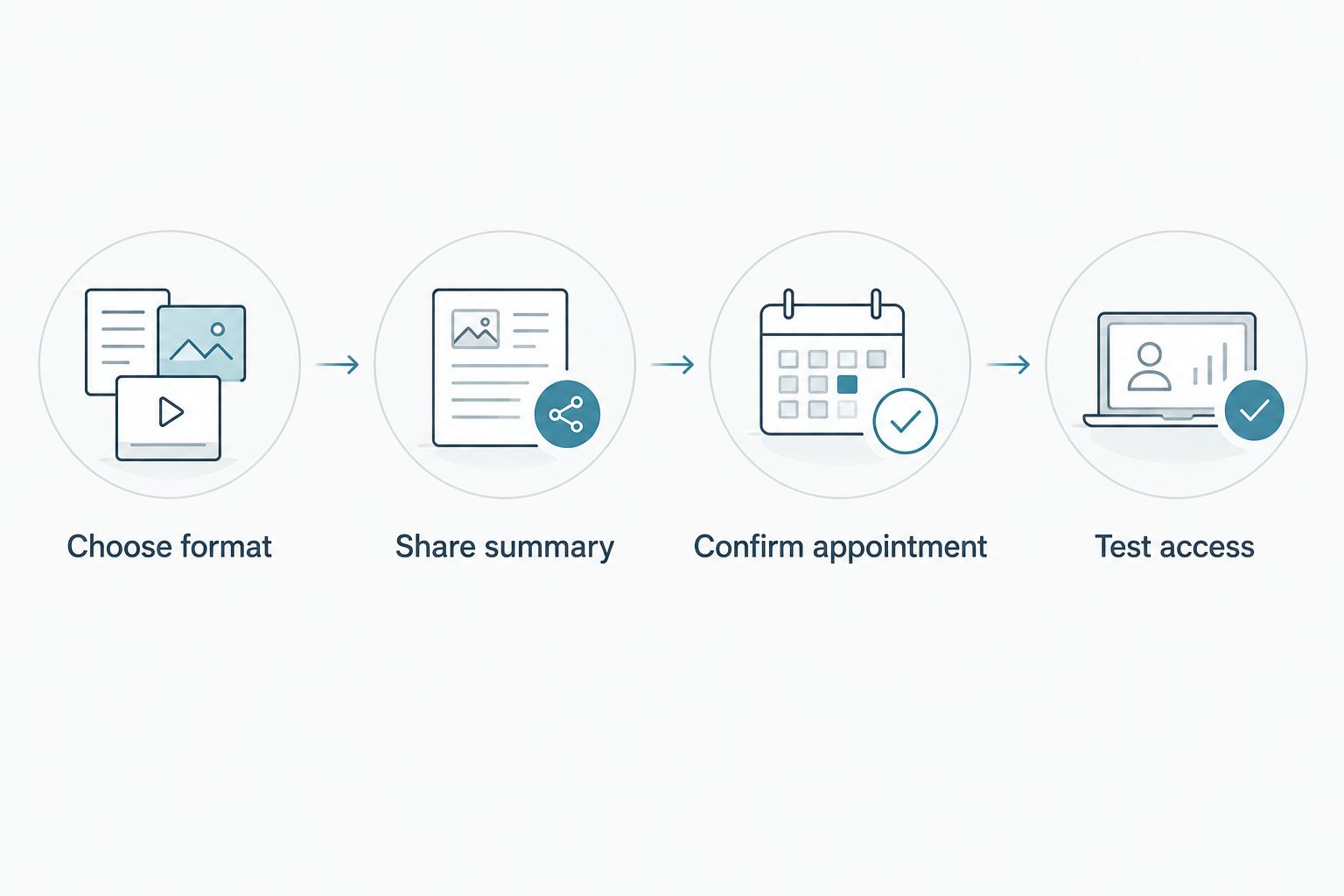
The sequence is simple: Choose format, Share summary, Confirm appointment, then Test access. Keep those decisions separate so a request to switch does not get mistaken for a completed booking.
Your device and privacy setup
- Test access: Check the appointment's joining instructions before the start time. If a sign-in is required, complete it early enough to resolve access problems without rushing into the conversation.
- Check permissions: Allow microphone access for the session tool. For video, check camera access too; permission settings belong to your device, browser, or app and are not the same everywhere.
- Check sound: Use headphones if they help you hear clearly, then confirm that the intended microphone is selected. Headphones do not stop people nearby from hearing your voice.
- Protect privacy: Close unrelated tabs, silence notifications, and avoid displaying messages on a shared screen. Choose a position where the camera does not show other people or private documents.
- Keep notes nearby: Have your handover summary available without needing to switch repeatedly between the session and your message history.
Expected result: You can join using the confirmed instructions, your sound works, and your surroundings support a private conversation.
Ask the therapist to explain confidentiality and its limits, including how messages and session notes are handled. Do not record the session without discussing consent and the provider's rules. Privacy includes what happens to information after the call, not just who can hear it during the appointment.
Your live-session opening
- Confirm comfort: Tell the therapist whether you can speak freely where you are. If someone enters the room, say that privacy has changed rather than trying to continue unnoticed.
- Introduce the handover: Explain that you are moving from chat and identify the summary you agreed to share. Ask which context the therapist has already received.
- Start with your priority: Bring up your opening topic. You can read from your notes if speaking spontaneously feels difficult.
- Agree on the pace: Tell the therapist if you need a pause, prefer direct questions, or want to type something difficult to say. Ask what communication options are available within the session.
- Confirm the next step: Before finishing, clarify whether you want another live appointment, a return to chat, or time to decide. Confirm any booking separately.
Expected result: The conversation starts from your current concern, with shared expectations about pace, privacy, and what happens next.
You do not owe the therapist a polished explanation. A pause or an unfinished sentence does not invalidate the session. The handover is there to reduce pressure, not to create another task you must perform perfectly.
Switch from chat to voice instead
The same handover works for voice therapy. Voice is best for people who want to speak but do not want to appear on camera. Its advantage is removing the visual setup; its limitation is that your spoken conversation still needs privacy.
Request voice explicitly and ask how the call will connect. Do not assume it uses an ordinary phone call, a particular messaging app, or the same joining method as video. Follow the confirmed appointment instructions.
Keep your summary and opening topic unchanged unless your priorities have shifted. Test the microphone and agree on what happens if the call drops. If you later want video, confirm the change before the appointment rather than treating the camera as an automatic option.
For your 2026 therapy plan, choose the format appointment by appointment with the therapist. You can prefer voice for one conversation and want video for another without making either choice permanent.
Troubleshooting
Your request has no appointment confirmation
A message asking to switch formats is not a confirmed booking. Contact the booking service or therapist and ask for the date, time, format, and joining instructions before setting aside the appointment slot.
The therapist has not received your chat context
Start with your brief summary rather than sending the entire conversation during the call. Ask what information is needed and which sharing method the provider accepts; remove material you do not want passed along.
Your microphone or camera does not work
Check permissions and the selected input device, then close other apps using the microphone or camera. Rejoin if the provider's instructions support that step. If the problem remains, contact the provider through the agreed fallback channel rather than repeatedly guessing at settings.
The connection interrupts the conversation
Tell the therapist when you cannot hear clearly; do not pretend you caught an important question. Use the fallback agreed before the session, whether that means reconnecting, contacting the provider, or discussing another format.
Someone can overhear you
Pause and explain that your privacy has changed. Move only if you have another suitable space; otherwise, discuss the next step with the therapist. Continuing to disclose personal information is not more important than having a safe place to speak.
Customize your workflow
Adapt the handover to the person attending. A university student can start with the concern affecting daily life; a couple can agree on the shared topic without requiring identical accounts of the problem. A guardian arranging support for a teenager should ask how the young person's own preferences will be included.
For couples, confirm whether both people should join and whether separate locations are supported. For individual therapy, state your preferred language and ask whether the therapist can conduct the session in it. Do not treat language fit as something to resolve after a sensitive conversation has started.
Keep one appointment record for your 2026 sessions: therapist, format, time zone, joining instructions, and fallback contact method. Avoid copying sensitive therapy content into shared calendars. An appointment reminder does not need to describe why you are attending.
FAQ
How do I move from chat therapy to a video session?
Request video, confirm the appointment details, and agree on a short handover with your therapist. Check the joining instructions, camera and microphone access, and fallback plan before the session.
Can I keep the same therapist when I switch from chat to video?
Ask the provider to confirm whether the same therapist will conduct the video session. Do not assume that a change of format automatically preserves the therapist or appointment.
Is video therapy better than chat therapy?
Video is not automatically better than chat therapy. Video suits people who prefer seeing the therapist, while chat suits people who prefer expressing themselves in writing; discuss your needs with the therapist.
Can I choose voice therapy instead of using a camera?
Yes, InnerSpark Africa offers voice therapy alongside chat and video therapy. Confirm how your voice appointment will connect and arrange somewhere you can speak privately.
Will my video therapist read all my previous messages?
Confirm what chat information the therapist can access before the appointment. Agree on the context you want shared and prepare a short summary instead of assuming your entire history transfers.
What should I do if I freeze during a video therapy session?
Tell the therapist you need a pause or read from your prepared notes. You can also ask whether typing a difficult point is an option within that session.
What if I lose privacy or the connection fails?
Pause and use the fallback you agreed with the therapist before the session. Contact the provider to discuss reconnecting, changing formats, or another appointment rather than continuing without privacy.
Can this workflow replace emergency mental health support?
No, a scheduled chat, voice, or video therapy appointment is not a substitute for emergency help. If you are in immediate danger or cannot keep yourself safe, contact local emergency services or go to the nearest emergency department.
One last thing
You do not have to turn every written concern into spoken words. Keep the summary short, start with what matters now, and tell the therapist what would make the conversation easier.
When you feel ready, contact InnerSpark Africa on WhatsApp using the contact details provided on its site, or start the process of booking a licensed therapist. Ask for your preferred format without committing to a permanent switch.
Start your next therapy conversation
Explore chat, voice, or video therapy with a licensed therapist.